Create a Student
This feature is for SA, ML, MA, CA
Watch (about 1 min):
A student account always belongs to a parent, and normally to a class. Create the parent first if they don't have an account yet.
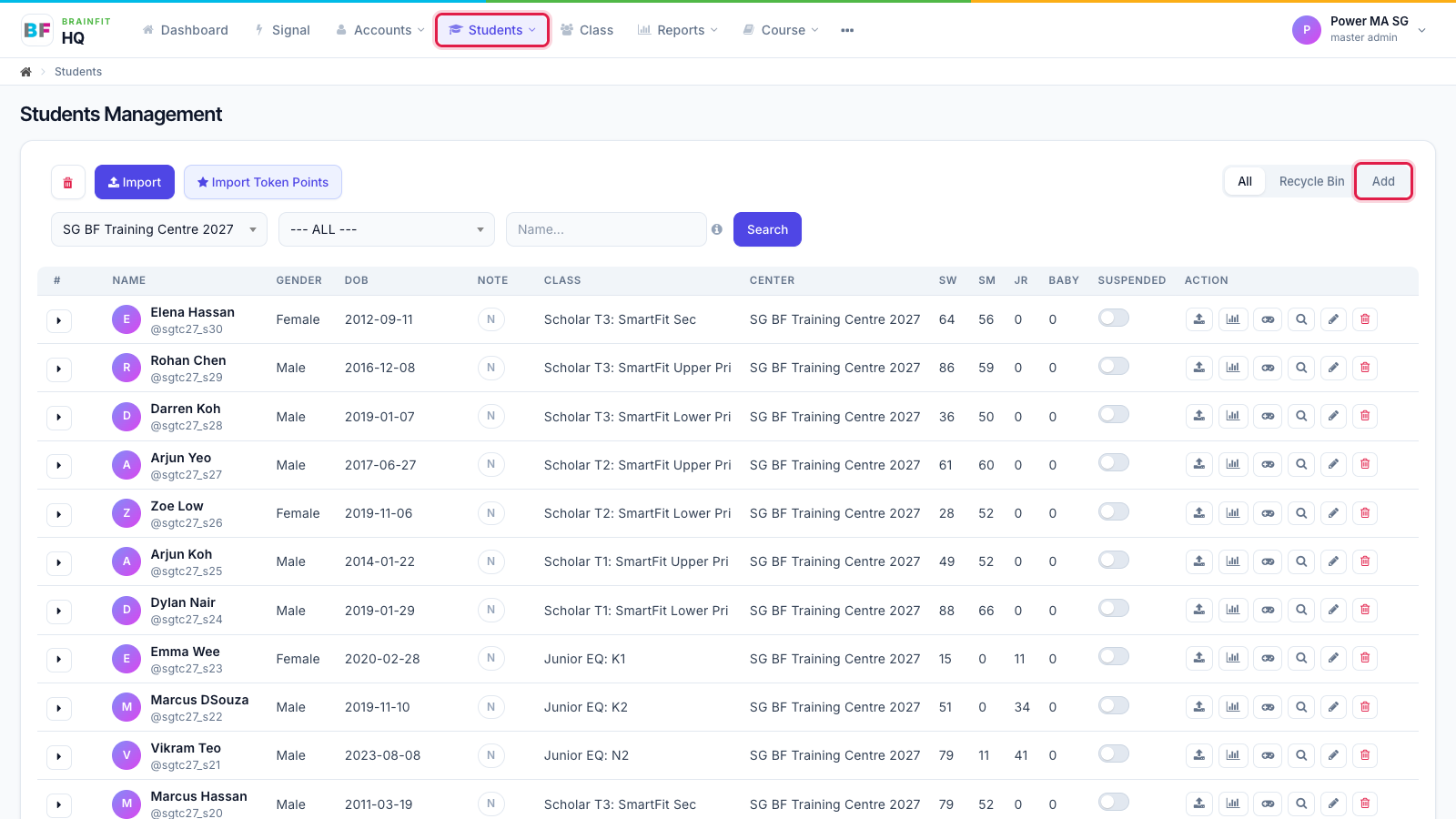
- Open Students in the top menu, then click Add at the top right of the student list.
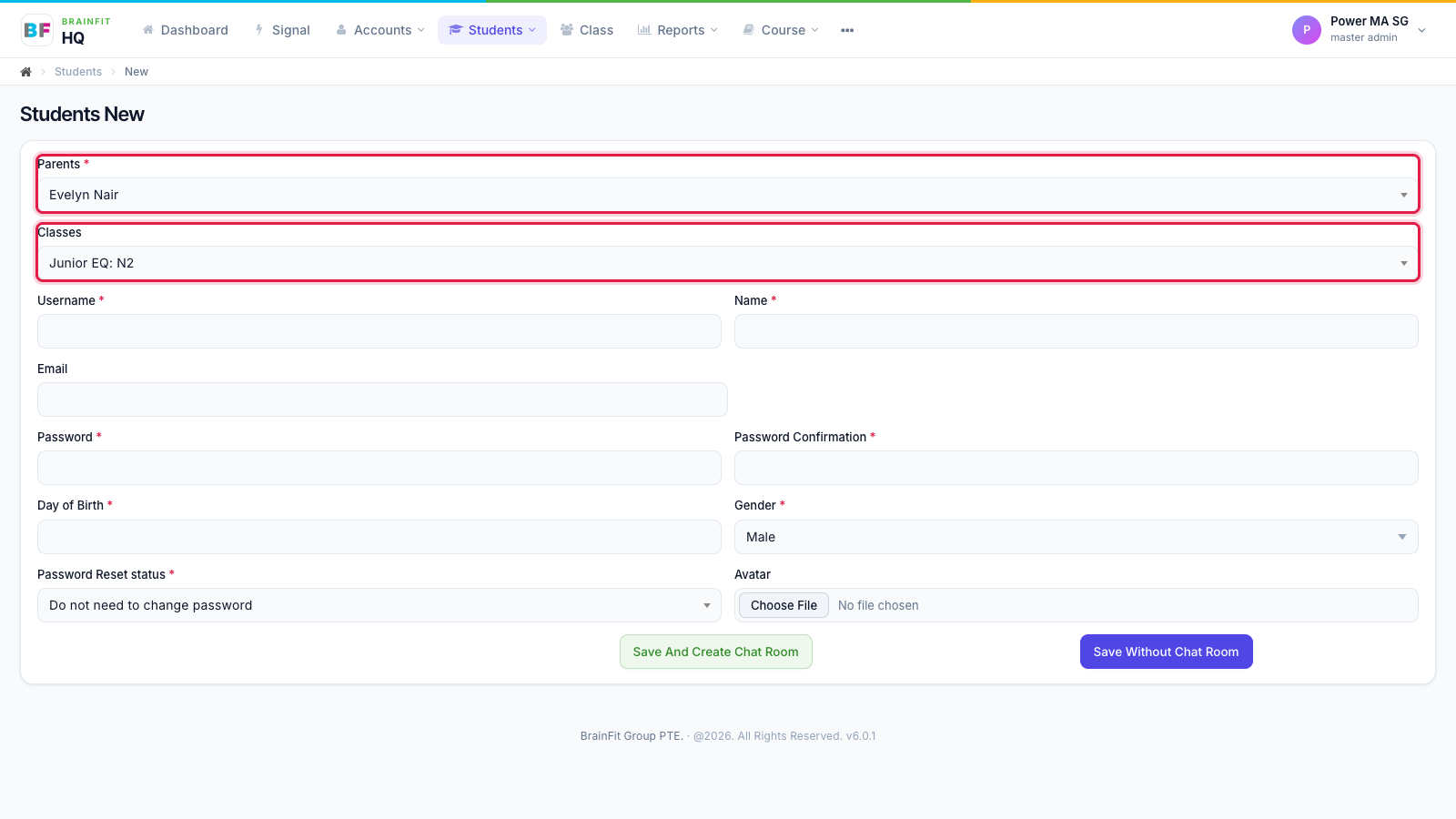
- Choose the Parent. The Classes list then shows the classes of that parent's centre; pick the student's class.
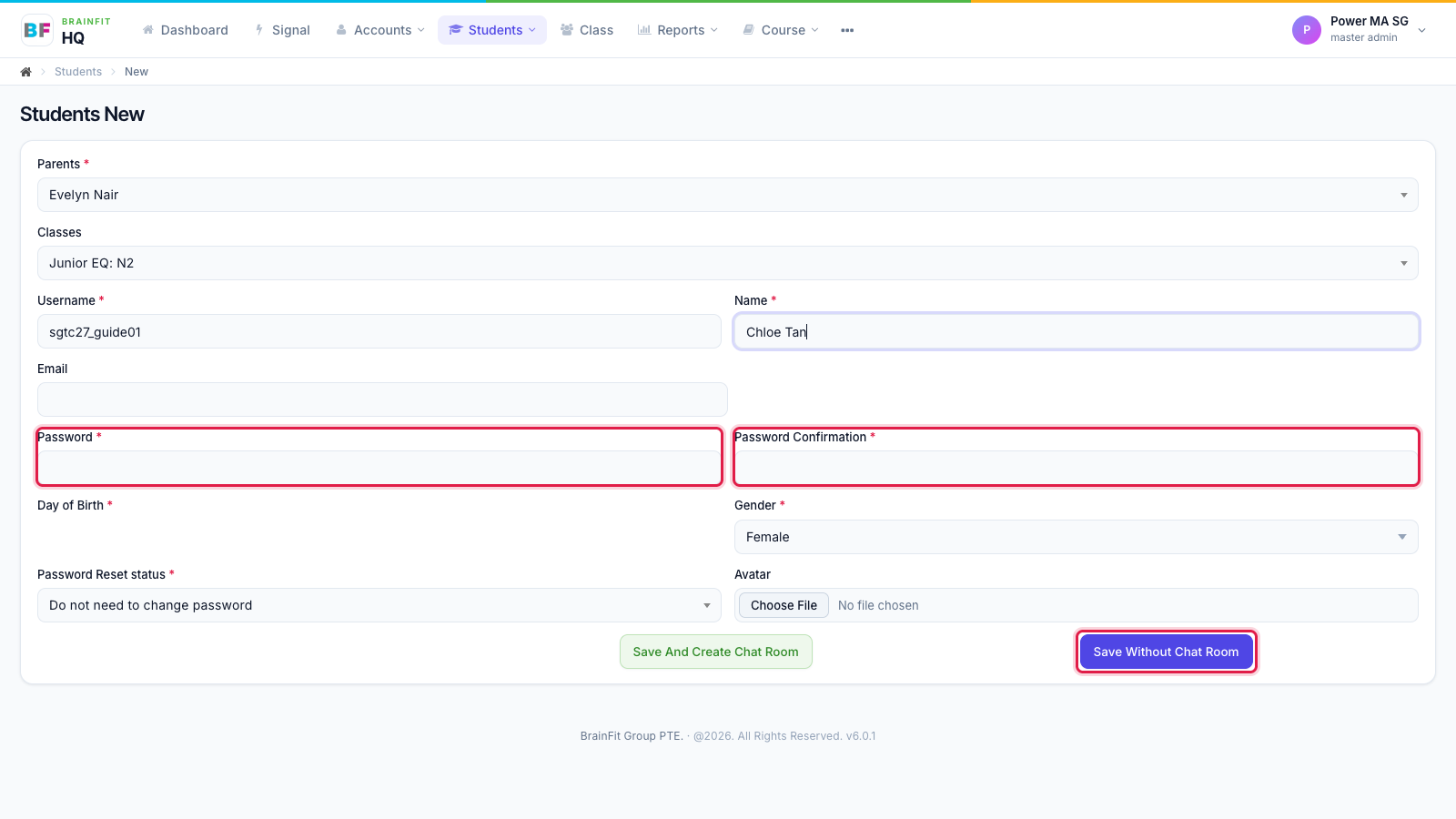
- Fill in Username, Name, Day of Birth and Gender. Type a Password twice (the student uses it to log in to the app), then click Save Without Chat Room.
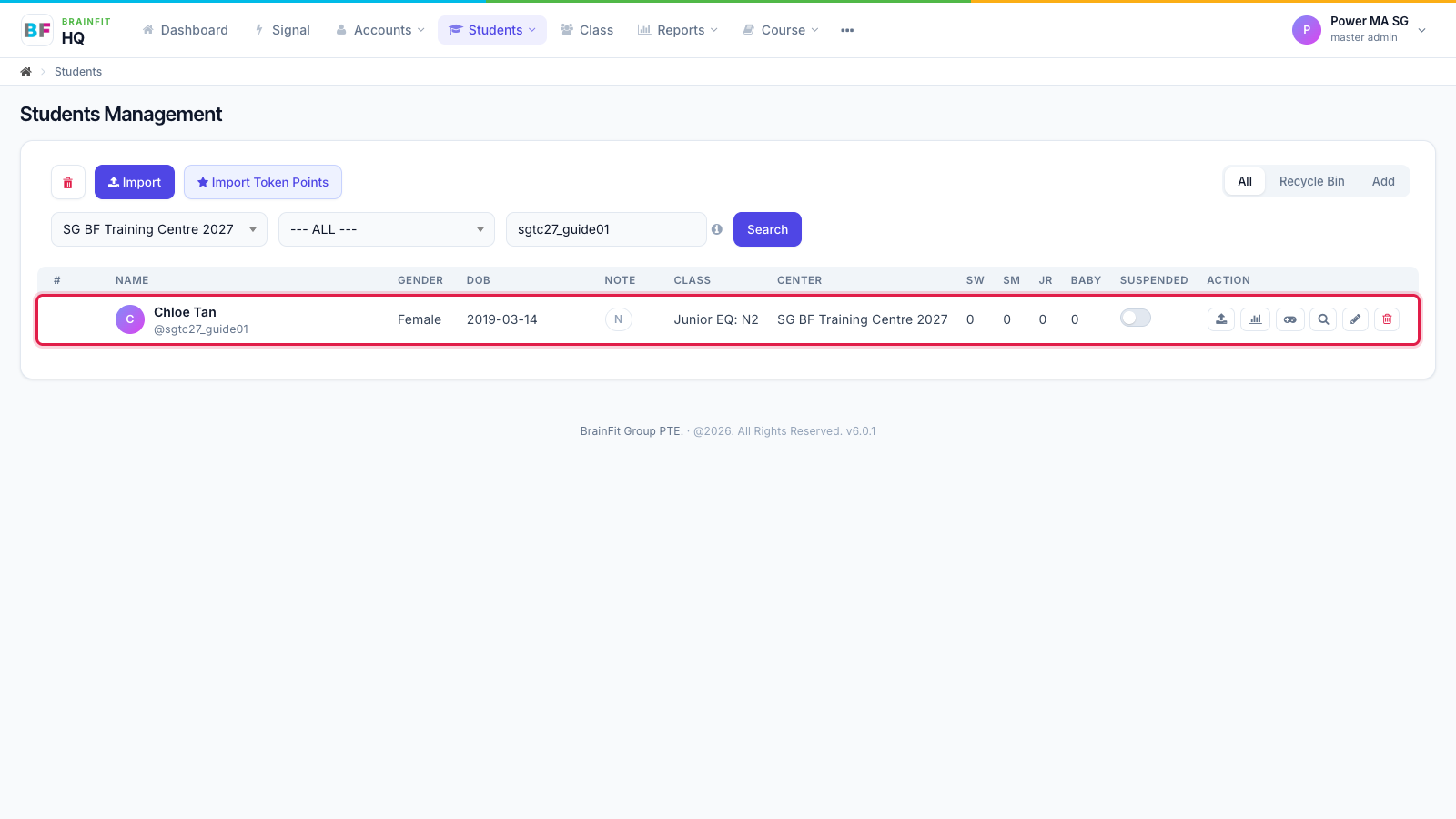
- The new student shows in the list, with their class and centre.
Note:
- Save And Create Chat Room does the same, and also opens a private chat room between the parent and the trainer.
- Password Reset status: choose whether the student must change the password on first login.
- Usernames must be unique across BrainFit.